
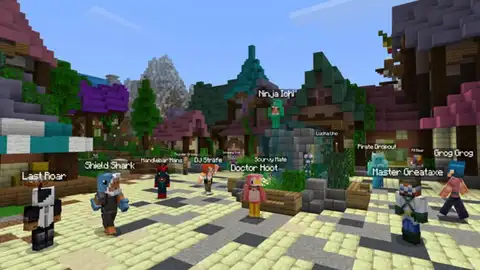
Minecraft: Java Edition é multijogador?
Minecraft: Java Edition é multijogador online para até 11, mas não tem tela dividida.
Minecraft: Java Edition no multijogador, num relance
Quantos jogam online?
2 a 11Cada um na sua tela.
Quanto dura uma sessão?
3 h ou maisUma sessão típica.
Tem crossplay?
NãoPrecisa
Só está em PC, então todo mundo joga lá.Todo mundo precisa comprar?
SimUma cópia para cada um
Precisa de microfone?
NãoDá para jogar sem chat de voz.
Está no Game Pass?
SimNo PC
Está incluído no PC Game Pass.Para qual idade é?
7+PEGI 7 · ESRB E10
Quanto custa hoje?
- PC
Como jogar Minecraft: Java Edition com amigos
Como jogar Minecraft: Java Edition online com amigos
The easiest way is a Realm, a private server the owner pays for and friends join for free, or you can open a world to LAN if you share a network.
- The owner buys a Realms subscription on minecraft.net, signed in with a Microsoft account.
- In the game, click Minecraft Realms on the title screen and set up the Realm.
- Choose the Realm, click Configure, then Players, then Invite Player, and type your friend's Java name.
- Your friend opens Minecraft Realms, accepts the invite and joins from the list.
Only the owner pays. Friends need their own copy of Java Edition but no subscription.
- The host loads a world and opens the pause menu.
- Click Open to LAN and pick the game mode and whether commands are allowed.
- Your friends, on the same network and the same game version, open Multiplayer.
- The world shows up in their server list. They select it and join.
The world closes when the host quits.
Como jogar Minecraft: Java Edition em tela dividida
Minecraft Java Edition has no split screen, on PC or Mac. The workaround is one window per player: a mod arranges the windows on your monitor and each player needs their own Minecraft account. For real split screen on one screen, play the Bedrock Edition on a console.
PC · With the Splitscreen Support mod
- Install the mod in two or more instances of the same Minecraft version and mod loader. The mod's page recommends PrismLauncher for this.
- Have a legal Minecraft account for each player, and a gamepad mod such as Midnight Controls for the second player's controller.
- In the first instance create a world and choose Open to LAN.
- In the other instances join the server at localhost:25565.
- Press F11 in each window to cycle it between half and quarter positions on the monitor.
It lines up windows, it does not split one screen: every player runs a full copy of the game, so it needs a strong PC. Nucleus Co-op is a third-party alternative; we have not tested it.
Como funciona o co-op em Minecraft: Java Edition
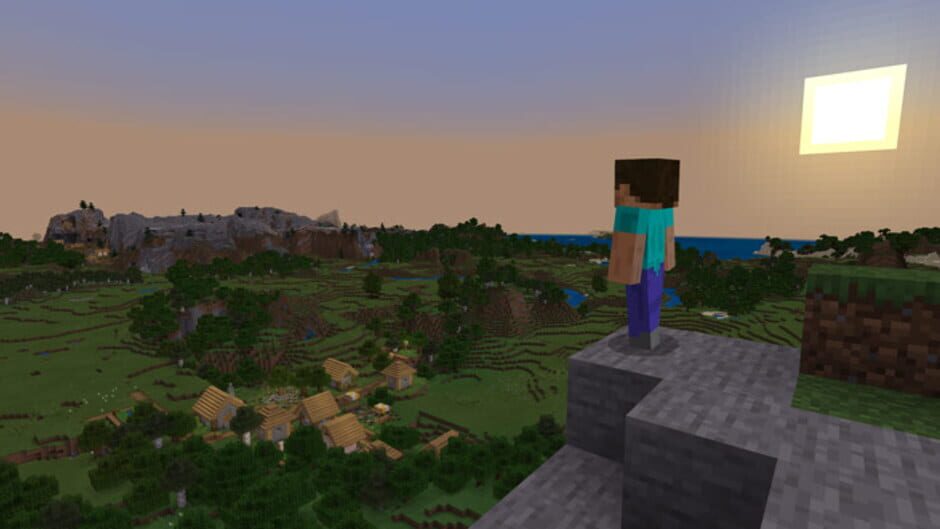
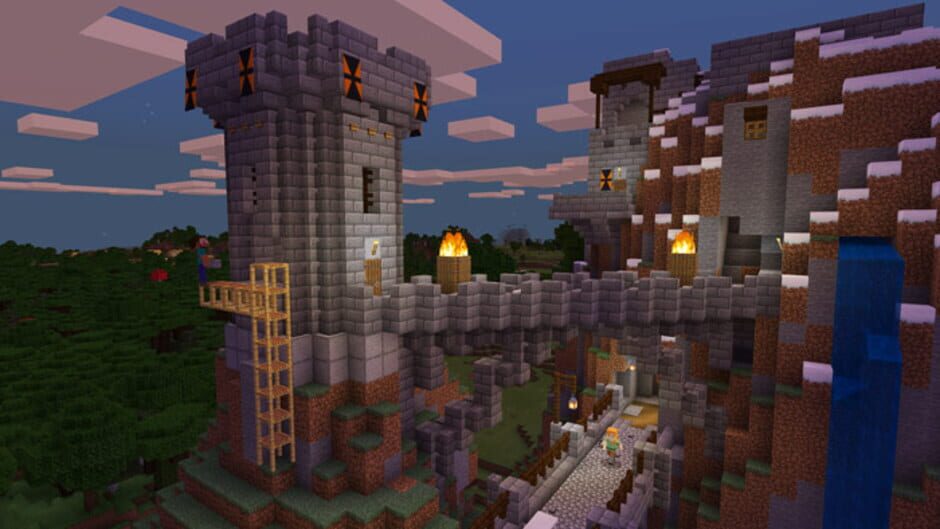
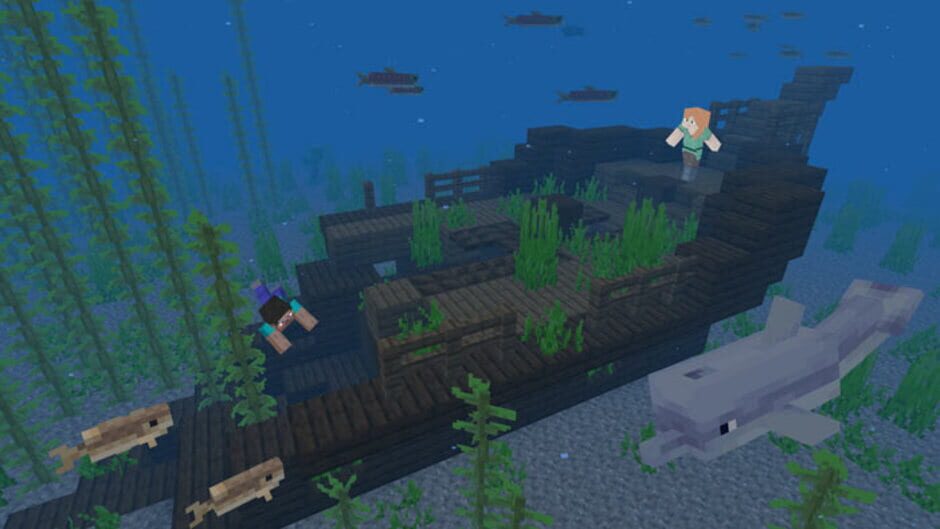
You explore a randomly generated world of blocks, mining resources, crafting tools, building anything you want and fending off monsters at night. Java Edition supports community-made mods and servers.
Can friends play on a Realm when I'm offline?
Yes. A Realm keeps running on its own, so invited friends can join any time. You only need to be online to send invites or change the Realm settings.
How many people can play on a Java Realm?
Up to 11 at the same time: the owner plus 10 other players.
What happens when the host closes a LAN world?
The world closes and everyone is disconnected, so the host needs to keep the game open while the group plays.
Is the world saved if I play on a Realm?
Yes, the world lives on the Realm and the owner can download backups as singleplayer worlds. Minigame worlds are the exception: they reset when everyone leaves.
Dá para jogar Minecraft: Java Edition em tela dividida ou online?
Minecraft: Java Edition não tem tela dividida nem cooperativo local em PC e Mac: cada jogador precisa do seu próprio aparelho, e até 11 podem jogar juntos online. Cada um precisa da sua própria cópia.
Minecraft: Java Edition vai agradar ao seu grupo?
No ranking da comunidade
O seu voto mexe nele: só votam quem jogou.
- #1
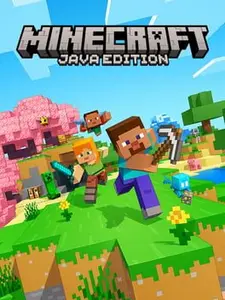 Minecraft: Java EditionVote para defender o #1
- #2
 Stardew Valley4 ao #1 Escolha da comunidade
- #3
 Super Smash Bros. Ultimate2 ao #2
Já jogou esses?
Jogos como Minecraft: Java Edition. Um toque em cada.
Hytale
Eco
Wobbly Life
Goat Simulator 3

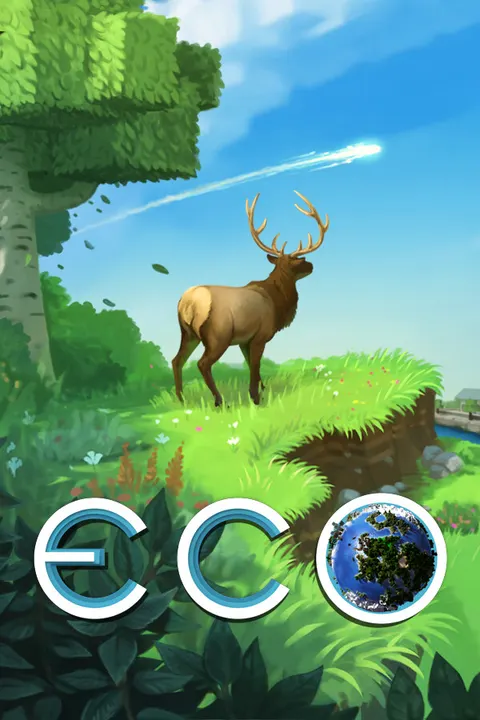
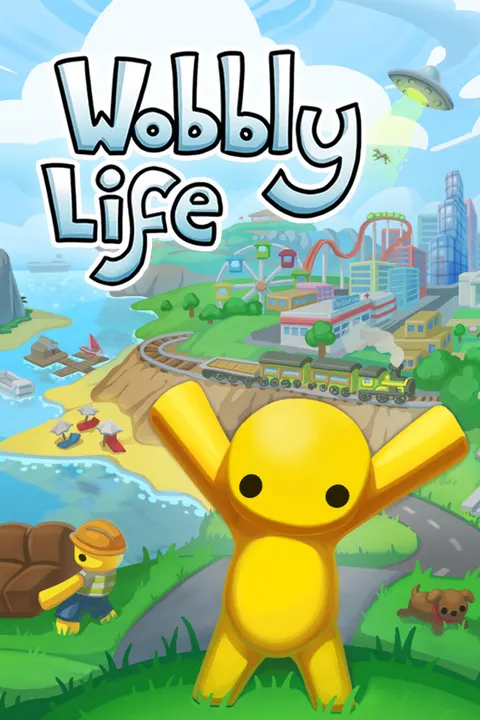

Quais jogos são parecidos com Minecraft: Java Edition?
Se o seu grupo gosta de Minecraft: Java Edition, os mais próximos são Hytale, Eco e Wobbly Life. Como Minecraft: Java Edition, os três se jogam do mesmo lado e têm o mesmo ritmo tranquilo.
Teardown
Raft
The Planet Crafter
Roblox
 Grátis
Astroneer
Terraria
Escolha da comunidadeGarry's Mod
Escolha da comunidadeValheim
Escolha da comunidade
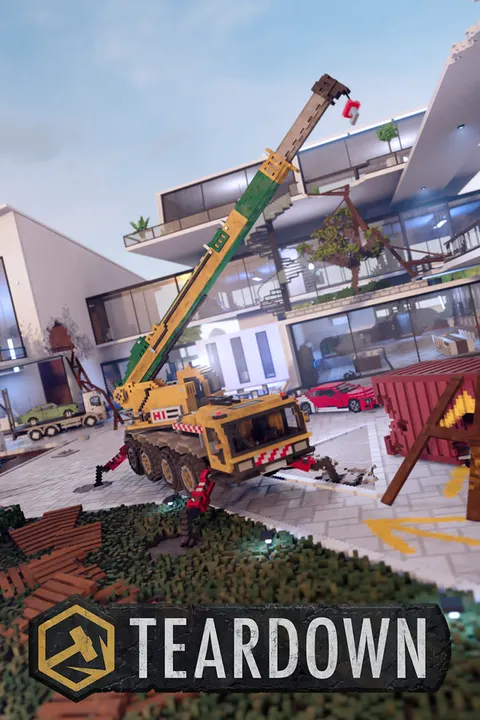

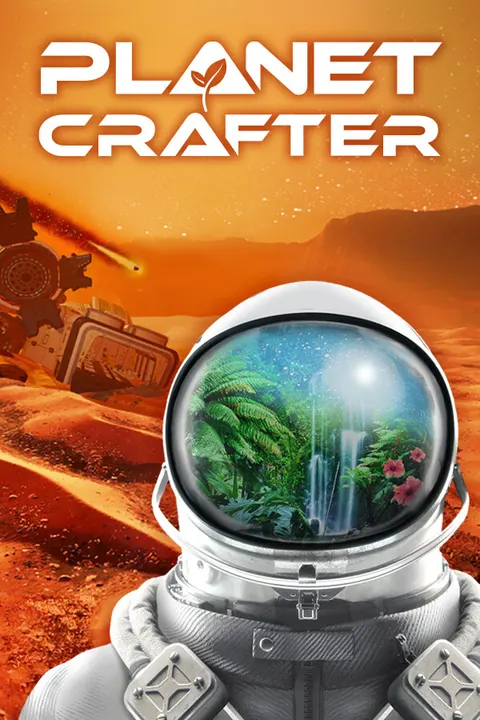

Dados conferidos em 13 de outubro de 2026.